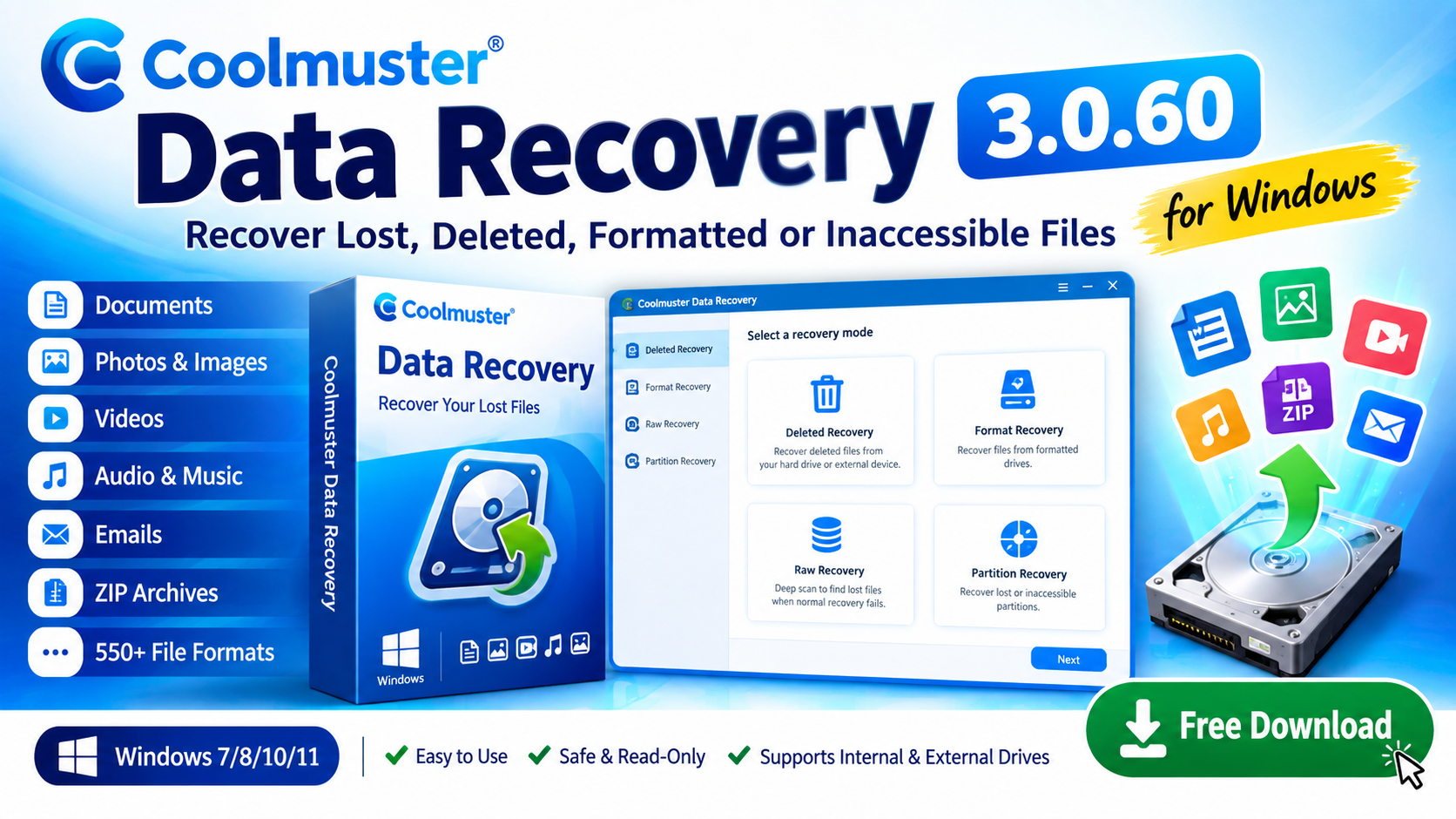
Coolmuster Data Recovery 3.0.60 Free Download for Windows
Recover deleted, formatted, and inaccessible files with Coolmuster Data Recovery 3.0.60. Explore its features, recovery modes, supported file formats, and Windows system requirements.
What Is Coolmuster Data Recovery 3.0.60?
Coolmuster Data Recovery 3.0.60 is a Windows-based data recovery utility designed to help users search for and recover lost, deleted, formatted, or inaccessible files.
The software can search internal hard drives and various external storage devices for recoverable documents, photos, videos, audio files, emails, archives, and other types of data.
If you are looking for software-related resources, Windows utilities, and download guides, you can also explore Comtutorera.com .
Coolmuster Data Recovery 3.0.60 Features
Coolmuster Data Recovery includes several features intended to help Windows users search for and recover different types of lost data.
Recover Multiple File Types
Search for documents, photos, videos, audio, emails, ZIP archives, and other supported file formats.
550+ File Formats
The provided software information states that the program supports more than 550 different file formats.
Internal & External Drives
The software can search internal hard drives and various external hard disks for recoverable files.
Four Recovery Modes
Choose between Deleted Recovery, Format Recovery, Raw Recovery, and Partition Recovery.
Wizard-Based Interface
A guided interface helps users navigate the recovery process without requiring advanced recovery knowledge.
Read-Only Approach
The software is described as a read-only recovery utility designed to search for data without unnecessarily modifying the source.
Coolmuster Data Recovery Recovery Modes
Different data-loss situations may require different approaches. Coolmuster Data Recovery provides four recovery modes.
- Deleted Recovery Designed to search for files that have been accidentally deleted from a storage device.
- Format Recovery Intended to help search for recoverable data after a storage device has been formatted.
- Raw Recovery Provides a deeper search approach for locating files when conventional recovery methods may not identify them.
- Partition Recovery Helps search for recoverable information associated with lost or inaccessible partitions.
When Can Coolmuster Data Recovery Be Useful?
Data recovery software may be useful in a variety of common data-loss situations, including:
- Accidentally deleted documents
- Lost photos and images
- Deleted videos and audio files
- Formatted storage devices
- Inaccessible partitions
- Lost files on external hard drives
- Files that are no longer visible through normal Windows browsing
Coolmuster Data Recovery 3.0.60 Download
Use the button below to connect your site's download page for Coolmuster Data Recovery 3.0.60.
Download Coolmuster Data RecoveryHow to Use Coolmuster Data Recovery
Step 1: Install the Software
Install Coolmuster Data Recovery on your Windows computer. If possible, avoid installing recovery software on the same drive containing the lost files.
Step 2: Select a Recovery Mode
Choose the recovery mode that best corresponds to your data-loss situation.
Step 3: Select the Storage Location
Select the internal or external drive where the missing files were previously stored.
Step 4: Scan for Lost Files
Start the scan and allow the software to search the selected storage location for recoverable data.
Step 5: Review and Recover
Review the files found by the software and select the files you want to recover. Whenever possible, save recovered files to a different storage device.
Coolmuster Data Recovery 3.0.60 System Requirements
Before installing the software, make sure your computer meets the following basic requirements.
| Requirement | Details |
|---|---|
| Software | Coolmuster Data Recovery |
| Version | 3.0.60 |
| Operating System | Windows 7, 8, 10, 11 |
| RAM | 1 GB minimum, 2 GB recommended |
| Free Disk Space | 200 MB or more |
| Supported File Formats | 550+ |
| Recovery Modes | Deleted, Format, Raw, Partition |
Important Tips for Recovering Lost Data
If you accidentally delete important files, minimizing further activity on the affected storage device can help avoid overwriting recoverable data.
- Stop unnecessary use of the affected drive.
- Avoid saving new files to the affected storage.
- Do not install recovery software on the affected drive when possible.
- Save recovered files to another storage device.
- Keep backups of important files to prevent future data loss.
Frequently Asked Questions
Coolmuster Data Recovery 3.0.60 is a Windows data recovery utility designed to help users search for deleted, formatted, lost, or inaccessible files.
The provided requirements list Windows 7, Windows 8, Windows 10, and Windows 11.
The software provides four recovery modes: Deleted Recovery, Format Recovery, Raw Recovery, and Partition Recovery.
Yes. The provided software information states that Coolmuster Data Recovery supports more than 550 file formats.
According to the provided information, the software supports recovery from internal hard drives and various external hard disks.
Conclusion
Coolmuster Data Recovery 3.0.60 is a Windows data recovery utility designed to help users search for deleted, formatted, lost, and inaccessible files.
Its four recovery modes, support for more than 550 file formats, compatibility with internal and external storage, and guided interface provide several options for handling common data-loss scenarios.
Before attempting recovery, users should minimize activity on the affected storage device and, whenever possible, save recovered files to a separate drive. For more software-related guides and resources, visit Comtutorera.com .