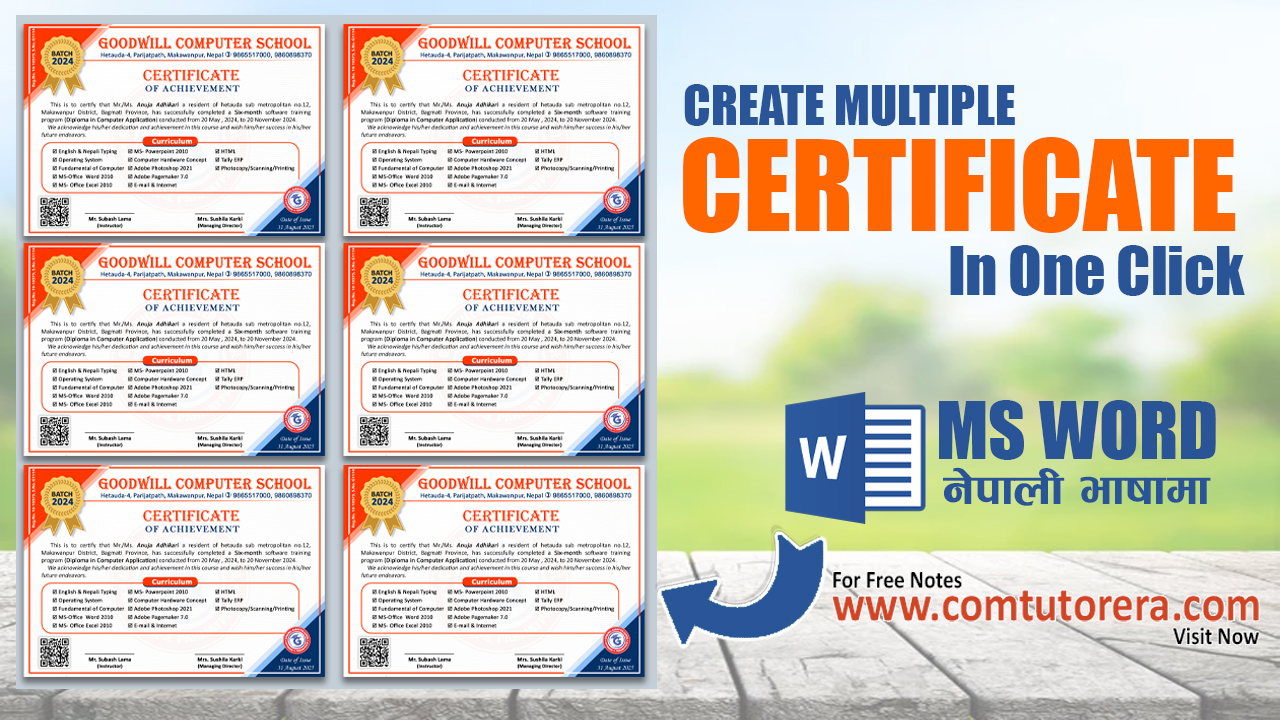
How to Create Multiple Certificates in One Click (Step-by-Step)
In today’s digital era, automation is essential for every computer training center, school, institute, and office. Creating certificates one by one wastes time and effort. This is why learning how to create multiple certificates in one click has become a must-have skill for students, teachers, and professionals.
At Goodwill Computer School, a leading Computer Training Center in Hetauda, we focus on teaching practical, real-world computer skills that save time and increase productivity. In this article, you will learn a step-by-step method to create bulk certificates automatically using MS Word Mail Merge, a powerful yet simple technique.
What Is Bulk Certificate Creation?
Bulk certificate creation means generating hundreds or even thousands of certificates automatically using a single design and a data source. Instead of typing each name manually, the system fills in details like:
Participant Name
Course Title
Date
Certificate Number
Institution Name
This method is widely used by computer institutes, training centers, schools, colleges, event organizers, and offices.
Why Learn to Create Multiple Certificates in One Click?
Creating certificates manually is:
❌ Time-consuming
❌ Error-prone
❌ Not professional
Using automation gives you:
✅ One-click certificate generation
✅ 100% accuracy
✅ Professional output
✅ Huge time savings

Tools Required for Certificate Automation
To create multiple certificates in one click, you only need:
Microsoft Word
Mail Merge feature
A simple data list (names, details)
No advanced software or coding is required, making it perfect for beginners and students learning basic to advanced computer courses.
Step-by-Step: How to Create Multiple Certificates in One Click
Step 1: Design the Certificate in MS Word
Create a professional certificate layout using:
Text formatting
Borders
Logos
Signatures
This is commonly taught in MS Word training classes at Goodwill Computer School.
Step 2: Prepare Recipient Details
Prepare participant details such as names and courses in a structured list. This data will automatically fill into the certificate.
Step 3: Use Mail Merge in MS Word
Mail Merge allows MS Word to:
Read data automatically
Insert names and details
Generate unlimited certificates
This feature is extremely useful for:
Computer training centers
Schools and colleges
Workshops and events
Step 4: Preview and Generate Certificates
With just one click, MS Word creates multiple certificates instantly. You can then:
Print them
Save them as PDFs
Share digitally
Who Can Benefit from This Method?
This tutorial is ideal for:
Computer Training Centers in Hetauda and across Nepal
Schools & Colleges
Teachers & Trainers
Event Organizers
Office Staff
Students learning MS Word and Office Automation
Related SEO-Optimized Titles (Used for Ranking)
Create Bulk Certificates Using Mail Merge in MS Word
One Click Multiple Certificate Creation Tutorial
Automatic Certificate Generation Step-by-Step
Mail Merge Certificate Tutorial for Beginners
Certificate Automation for Training Centers
MS Word Mail Merge for Bulk Certificates
Learn Practical Computer Skills at Goodwill Computer School
Goodwill Computer School is a trusted Computer Training Center in Hetauda, offering high-quality courses such as:
Basic Computer Course
MS Word, Excel & PowerPoint
Office Automation
Graphic Design
Web Design
Computer Accounting
Advanced Computer Skills
Visit official websites:
🌐 goodwillcomputerschoo.com.np
🌐 Comtutorera.com
Watch Practical Tutorials on Little Bit Talent YouTube Channel
For free learning, step-by-step tutorials, and real computer tricks, subscribe to the
🎥 Little Bit Talent YouTube Channel, where we regularly upload:
MS Word tutorials
Mail Merge automation
Certificate making tips
Computer training videos
Digital skills for students
Final Words
Learning how to create multiple certificates in one click is a smart move for anyone involved in education, training, or office work. This skill not only saves time but also adds professionalism to your work.
If you want to master computer skills practically, join Goodwill Computer School – a leading Computer Training Center in Hetauda, or explore free resources on Comtutorera.com and the Little Bit Talent YouTube Channel.
👉 Start automating your work today and become digitally smart!